Compare your options, book online or at the locker, and keep your arrival details handy.
Check the available location, compare locker dimensions and choose a storage period around your plans.
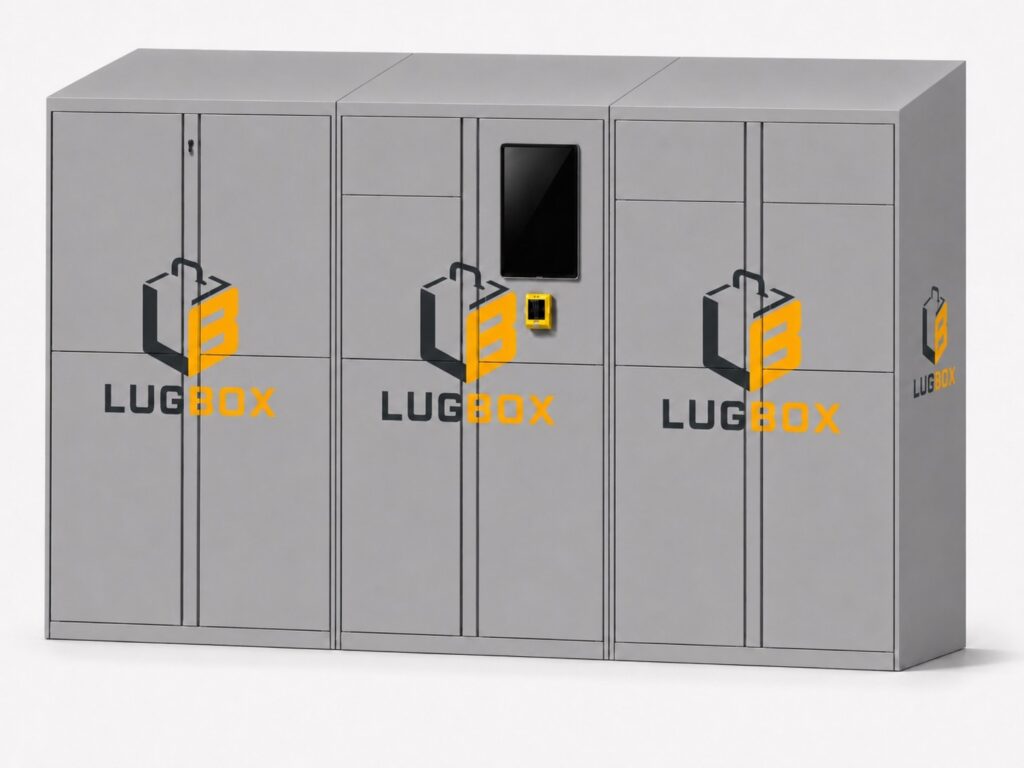
Book online using your email address and confirm it, or make a booking directly on the locker touchscreen.
Keep your booking details handy and follow the instructions for arrival and collection.
Two ways to book. Choose the option that suits your day.
Continue to the LUGBOX booking website. Registration uses your email address and requires email confirmation.
At the location? You can make a booking directly using the locker touchscreen.
Compare your luggage with the listed measurements before choosing a locker size. Include handles and wheels when measuring.
Check the available size and any fit requirements on the booking website before confirming.
An early arrival or a late departure can leave room for another part of the day. A coffee, a walk or one more stop before you leave—plan your storage period around what comes next.
Before travelling, check the confirmed locker address and access details. Our Neo Faliro page currently shows an indicative area preview.
Keep your booking confirmation and instructions available for your return. Check the collection time and follow the arrival and collection guidance provided with your booking.
If your plans change, check the booking website for the applicable options and conditions. For help, email support@lugbox.gr or call +30 210 483 4269.

A coffee, a walk or one more corner of Athens. Leave a little room for the things you came for.
Check availability, access details and the total price on the booking website before confirming.